
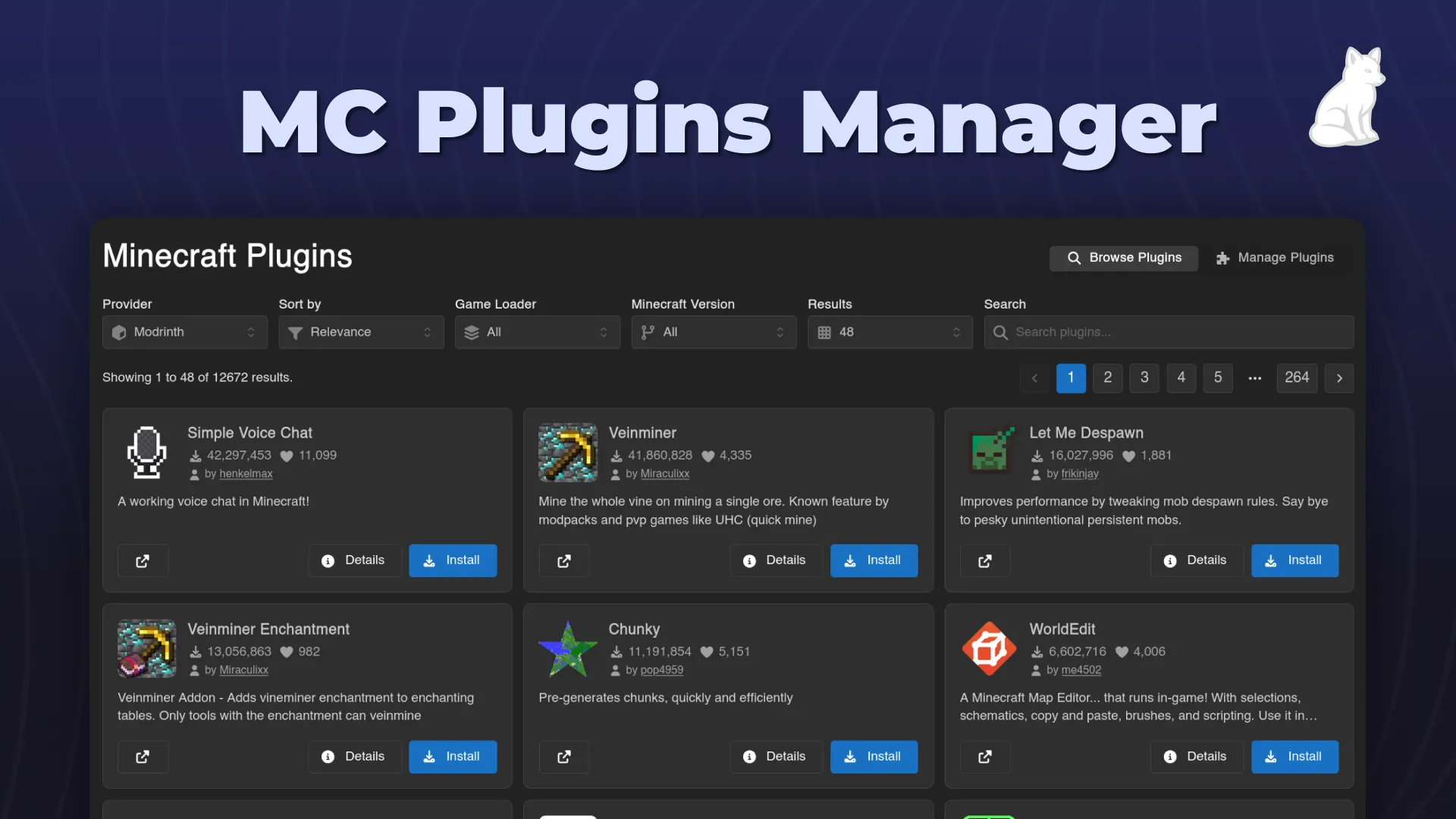
An easy-to-use minecraft plugin installer and manager for Calagopus.
BBBSX
Rated 5.0 out of 5 from 3 reviews
Steam Workshop installer extension for Calagopus — search and explore the Workshop or paste a URL/ID to download and install mods onto your game server via SteamCMD and Wings. Includes install tracking, uninstall support, and Steam account linking. Ships with L4D2 and Garry's Mod presets, extendable via JSON.


Steam Workshop installs for Calagopus, shipped as:
dev.wasian.calaworkshopghcr.io/wasianman/calaworkshop-helperIt adds a per-server Workshop tab where you paste a Workshop URL/ID, download through SteamCMD, and install the selected files onto the game server through Wings. Built-in presets currently cover Left 4 Dead 2 and Garry's Mod; other Steam games can be added through JSON presets.
Status: early release. CalaWorkshop is functional end-to-end and used on a live server, but it is still young. Expect rough edges and occasional changes while the project settles. No warranty; see LICENSE.
files/pull<workshop_id>.vpk files with paired preview images.resource.AddWorkshop Lua for client delivery.Richer update/reinstall workflows are still on the roadmap.
Workshop tab  -> extension backend -> helper container -> SteamCMD download
     |                  |                    |
     |                  |                    v
     |                  +---- Wings files/pull from helper /files/<job>
     v
server volume receives the selected Workshop files
The panel extension does not run SteamCMD and does not mount game-server volumes. The helper downloads items and serves a temporary artifact. Wings pulls that helper URL into the server volume, so the same path works for AIO and remote nodes.
Full design: docs/ARCHITECTURE.md Helper contract: CONTRACT.md
Admins can add or edit games from the extension settings page. Each preset has a structured App ID, name, and install path, plus an Advanced (JSON) block for the game-specific behavior:
auth: default, anonymous, or accountmatch: select downloaded files with globs and optionally rename themextractFiles: extract supported archive-like payloads; currently format: "gma" for Garry's Mod addonsgeneratedFiles: create small companion files such as server config or Luascan: tell the Installed Content page where to find unmanaged files/folderspostInstall: none or extract for nested archives after placementStart with the game preset guide, then use docs/games.example.json for the tested built-in presets or docs/advanced-rule.example.json for the exact camelCase JSON shape used by the Advanced editor. Most SteamCMD games that need "copy these files here" or "rename/extract this payload here" can be described without code; games that require startup-argument or config-file management may still need a purpose-built preset pattern.
Use the public release artifacts:
ghcr.io/wasianman/calaworkshop-helper:<version> or :latestCalaWorkshop-v<version>.c7s.zip from the latest
GitHub ReleaseShort version:
ghcr.io/calagopus/panel:heavy-aio.calagopus-workshop-helper service from
compose.aio.example.yml.CalaWorkshop-v<version>.c7s.zip from the Calagopus Extensions page,
or place it in /app/extensions.web.Detailed AIO/Coolify steps: docs/DEPLOY.md
qr_unsupported message (nothing is harmed) and password login is the
fallback.calaworkshop/
├── extension/ # packaged into CalaWorkshop-v<version>.c7s.zip
│ ├── backend/ # Rust extension routes/settings/helper client
│ ├── frontend/ # React Workshop, Steam Link, and admin pages
│ └── migrations/ # extension DB migrations
├── helper/ # Rust SteamCMD helper service + Dockerfile
├── packaging/ # .c7s archive builders
├── docs/ # deploy and architecture docs
├── compose.aio.example.yml # reference AIO stack with helper wired in
└── CONTRACT.md # extension <-> helper HTTP contract
| Scope | Permission | Allows |
|---|---|---|
| server | workshop.read |
View Workshop tab and installed content |
| server | workshop.install |
Download, install, and track Workshop items |
| server | workshop.remove |
Remove tracked installed content |
| user | calaworkshop.link-steam |
Link and manage personal Steam accounts |
| admin | calaworkshop.configure |
Configure helper, API key, presets, diagnostics |
cd helper && cargo buildWORKSHOP_HELPER_TOKEN=dev cargo runpackaging/build-c7s.ps1packaging/build-c7s.shThe extension backend inherits the Calagopus panel workspace and does not compile standalone from this repository. It is compiled by the panel heavy image during install. See CONTRIBUTING.md for more detail.
Current release: v0.2.8-alpha.2 (prerelease; requires Calagopus panel ≥ 1.1.0) Changelog: CHANGELOG.md
| Server Workshop | Steam Link | Admin Settings |
|---|---|---|
 |
 |
 |
MIT + Commons Clause. Free for personal and
internal use; you may not sell it or offer a hosted/commercial service based on it
without a commercial license. See LICENSE. Commercial inquiries:
adam@wasian.dev.
Source-available, not OSI open source, because commercial selling is restricted.
An easy-to-use minecraft plugin installer and manager for Calagopus.
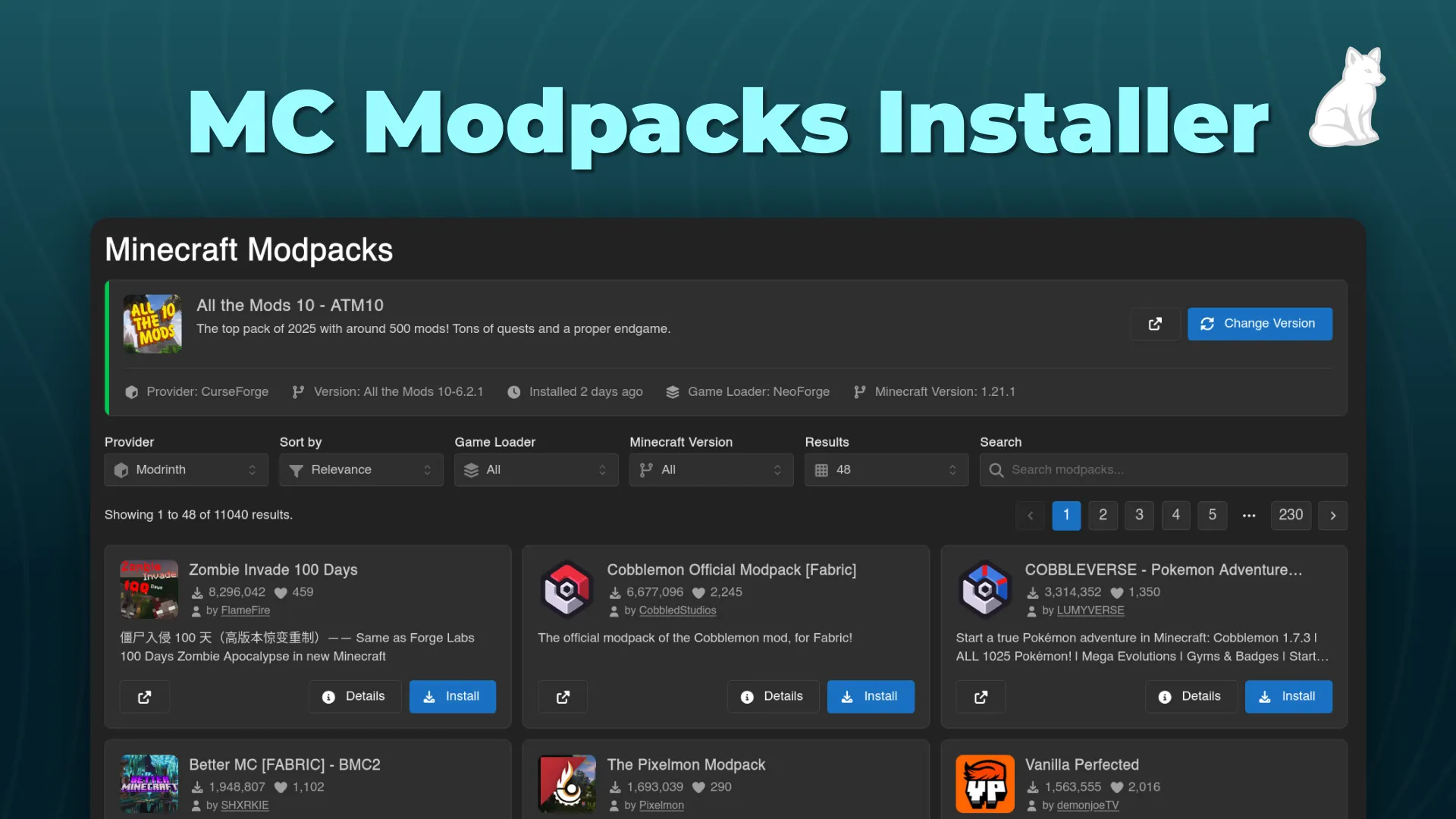
An easy-to-use minecraft modpack installer for Calagopus.
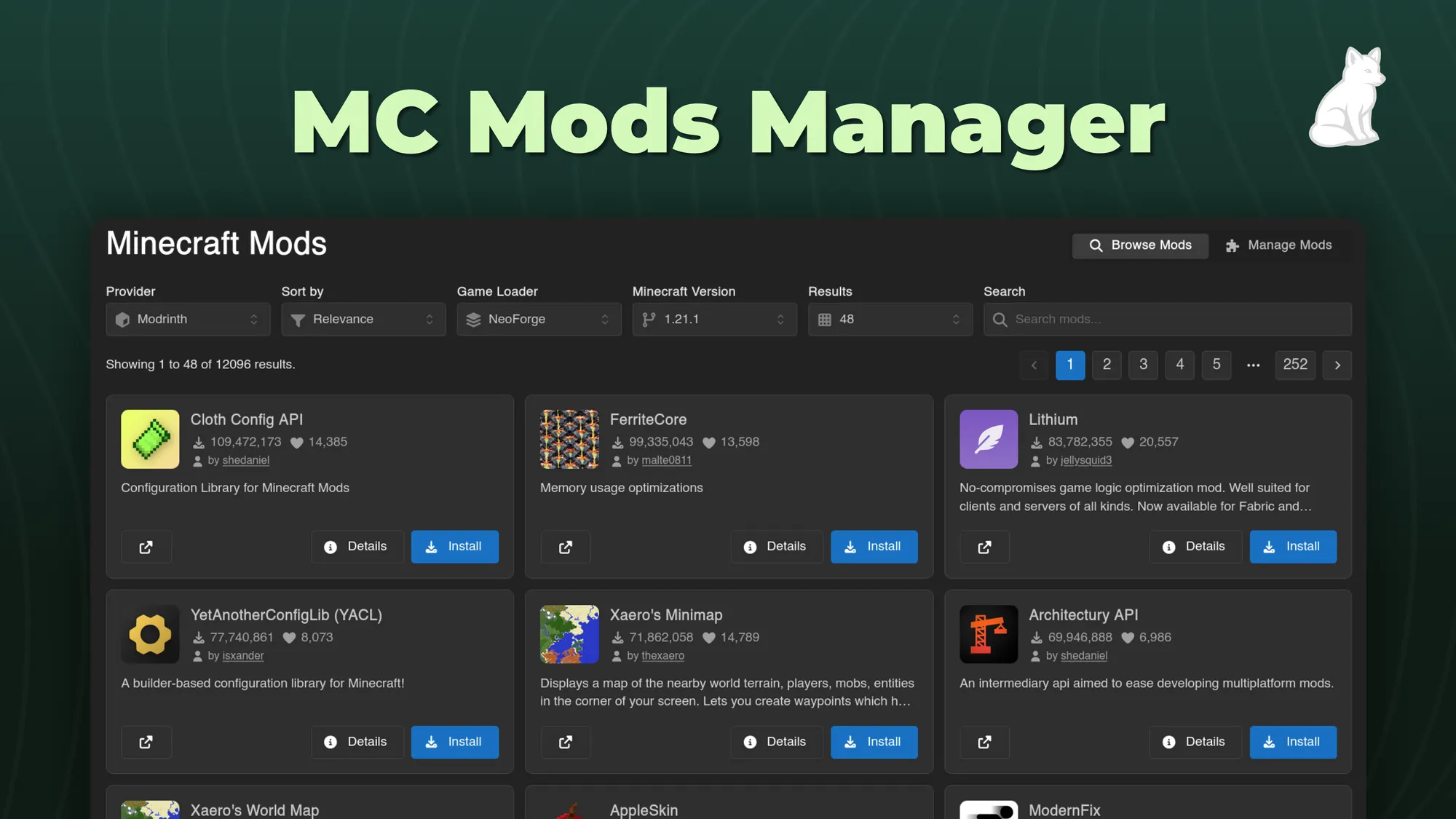
An easy-to-use minecraft mod installer and manager for Calagopus.
Version Changer allows you to adjust your minecraft servers version instantly. Now for Calagopus!