ExtensionsFree
Egg Changer
by Caloptreyx Updated Nov 23, 2026
Get it · Free1 / 3
Description
Egg Changer
A Calagopus Panel extension that lets users switch their server to another egg themselves, for example from Minecraft Java to Minecraft Bedrock, within rules you set.
Package name: dev.caloptreyx.eggchanger · Requires panel >=1.2.11
What your users get
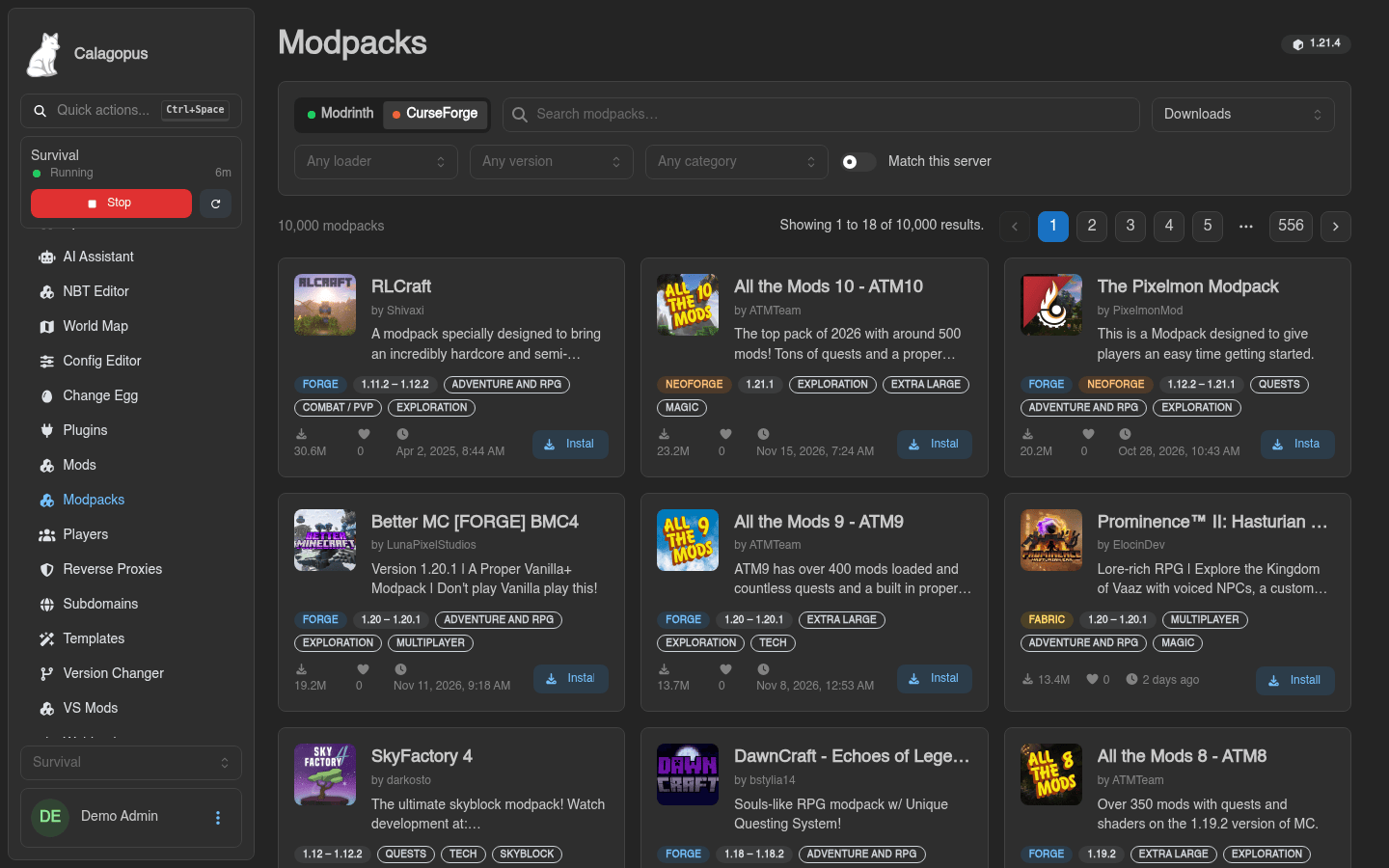
- Change Egg where the admin's Placement puts it: a section at the bottom of the server's Settings page (the default, as in 1.0), a Change Egg page in the server sidebar, or both. The Settings section only appears when the user may change eggs and a rule allows at least one other egg for the server; the page says so when no egg is available.
- The current egg, and the eggs the server may switch to as cards with their nest, description and what the switch forces (reinstall, file wipe, new startup command, backup, extra ports). Search and a nest filter appear once there are more than six eggs or more than one nest.
- An egg's icon and banner, when the admin set them, on its card, in the switch dialog and in the current-egg header. Without them, or when a picture fails to load, the egg keeps the plain look (initials avatar, no banner).
- Pick a card, then its startup command and docker image, or keep the current startup command. Custom startup commands are only offered when the new egg's configuration allows them.
- Optionally reinstall the server with the new egg's install script, and optionally delete all files first (only together with reinstalling, and only after ticking a confirmation).
- Create a backup first (on by default whenever the switch reinstalls): the backup, named "Before egg change to egg (date)", is made through the panel's own backup system, and the egg only changes once it has finished successfully. If it fails, or hasn't finished within an hour, nothing about the server changes. The option is shown greyed out with the reason when the user lacks the backup permission or the server is at its backup limit.
- Options a rule forces are listed as "Set by your host" instead of switches.
- Before switching, a What happens list spells out the switch: the backup, the startup command and docker image it applies, that startup variables are reset to the new egg's defaults, how many ports may be added, and whether files stay, the install script runs or every file is deleted.
- Works on phones (the dialog goes full-screen) and follows the panel theme (Mint, Zoron, ...).
What you get
-
Egg rules: servers on a rule's source eggs may switch to its target eggs, picked from a nest/egg tree with search, Select all matches and a tick per nest to select or clear the whole nest. A server whose egg matches no rule can't switch. Select the same eggs on both sides to let servers switch freely within a group.
-
Rule options, applied when a server switches to one of the rule's target eggs:
- Require a new startup command - users can't hold on to their old startup command; one of the target egg's commands is always applied. Without it they may keep theirs.
- Always reinstall - every switch runs the target egg's installation script.
- Always wipe files on reinstall - whenever the switch reinstalls the server, its files are erased first.
- Match allocations to the new egg (on for new rules) - applies the new egg's allocation deployment settings from Egg Configurations. The server keeps its primary allocation; each additional allocation rule (random, port range, or relative to the primary port) is satisfied by an allocation the server already has when one fits, otherwise by a free allocation on the server's node and IP. Ports are written to the variables the rules assign them to.
- Always back up first - every switch first creates a backup, and only goes ahead once it finished successfully. Users without the backup permission or a free backup slot can't use the switch.
When several rules allow the same switch, every option enabled in any of them applies, so the stricter rule always wins. The rule editor warns when a rule shares a switch with another one.
-
Icons and banners per target egg: a square icon and a wide banner (shown at 3:1, cropped to fit). Paste an https URL, or upload a PNG, JPEG, GIF, WebP or AVIF picture (up to 5 MB) to the panel's own Admin → Assets storage, folder
egg-changer; uploading needs the coreassets.uploadpermission. The editor previews the pictures and the user's card. URLs must behttps://, at most 1024 characters, without credentials; they are only ever rendered as<img src>. Removing a picture doesn't delete an uploaded file; do that under Admin → Assets. -
Every switch is recorded in the server's activity log as
server:eggchanger.changewith the old and new egg, startup command, image, reinstall options, the backup made first and newly assigned allocations.
Screenshots
Change Egg page: the current egg and the eggs this server may switch to.

Switch dialog: options set by the host, the backup first, and what the switch will do.

Admin settings: egg rules, icons and banners, and placement.

Installation
Download dev_caloptreyx_eggchanger.c7s.zip and either upload it under Admin → Extensions or
drop it into your heavy image's build/extensions/ directory and docker compose restart web.
Extensions require the :heavy panel image - see the
Calagopus docs.
Configuration
Admin → Extensions → Egg Changer → Configure
- Egg Rules - add at least one rule. Servers on are the eggs the rule applies to, Can switch to are the eggs those servers may switch to, Options control what a switch does. Each rule shows one line per nest ("Minecraft: All 12 eggs", "Games: Valheim, Rust and 40 more"); Show all eggs lists every egg, grouped by nest. From four rules on, a search box finds the rules that use an egg or nest.
- Icons and Banners - optional pictures for each egg servers can switch to, grouped by nest in sections you can fold. Big nests start folded; search by egg or nest name, filter by nest and by whether an egg has pictures, with counts.
- Placement - Settings page (default: a section at the bottom of each server's Settings page), Own page (a "Change Egg" entry in the server sidebar, and no Settings section) or Both. Users see a change after reloading the panel. Egg Configurations can hide or reorder the page per egg like any sidebar page.
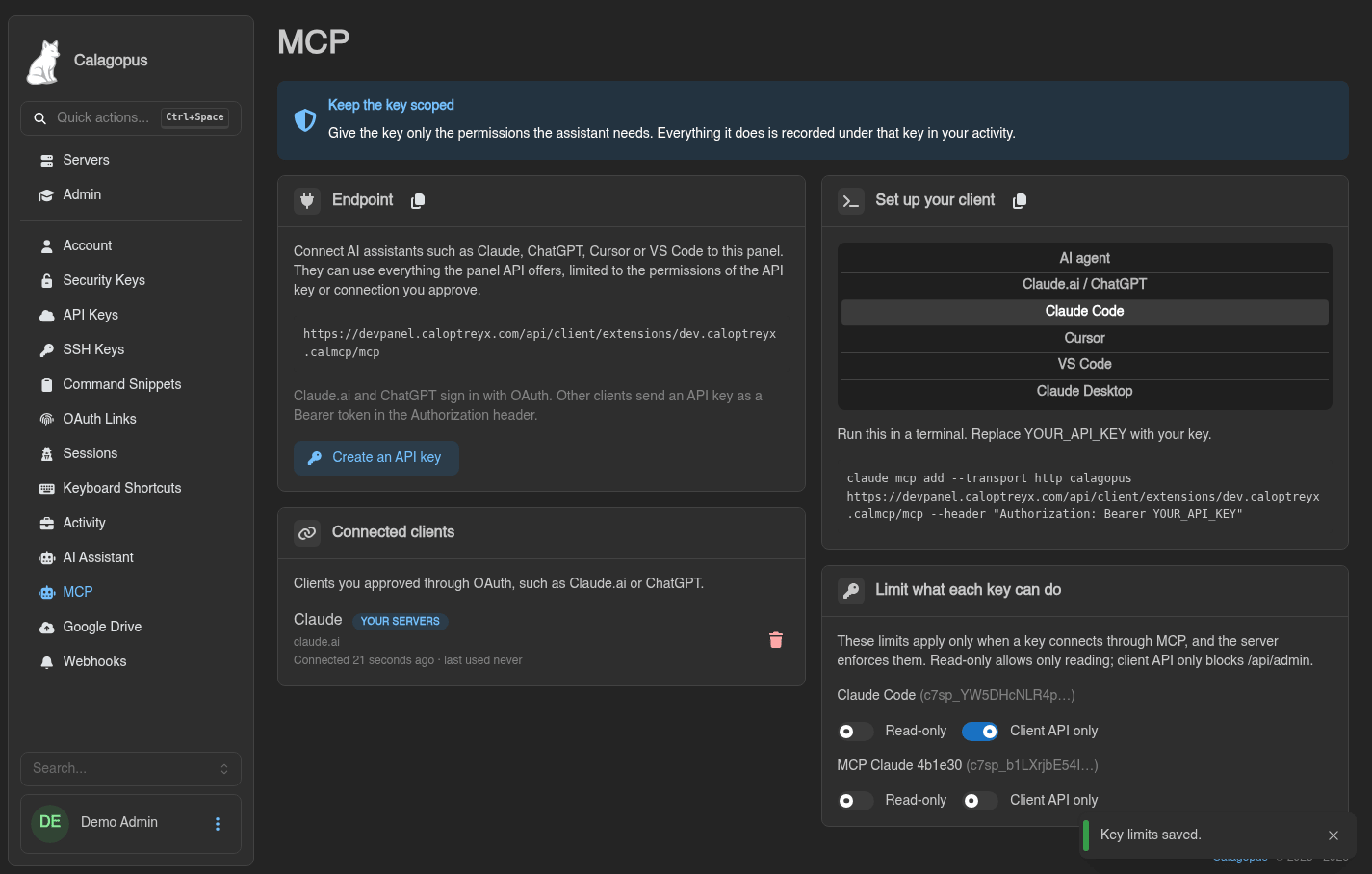
- Give subusers the
eggchanger.changepermission where wanted. Owners and admins always have it.
Permissions: server eggchanger.change, plus the core permission for each part of a switch that
core guards: settings.install for any reinstall or wipe (also when a rule forces it),
startup.command for keeping the current startup command or choosing any command other than the
new egg's default, startup.docker-image for choosing any image other than the new egg's first,
and backups.create for the backup made first (also when a rule forces it; the server's backup
limit applies). New allocations count against the server's allocation limit. Admin
extensions.eggchanger.read|write.
API
GET /api/client/servers/{server}/egg-changer- the current egg and the eggs the server may switch to, each withiconandbanner(https URLs ornull), andbackup_unavailable: why the user can't create a backup first, ornull.POST /api/client/servers/{server}/egg-changer-{ egg_uuid, startup?, image?, keep_startup?, reinstall?, truncate_directory?, backup_uuid? };startupandimagedefault to the egg's default startup command and first docker image.backup_uuidis a backup of the server, created with the core backup route, that finished successfully within the last hour; it is required when a rule forces a backup, and the switch is refused (nothing changes) when the backup is missing, unfinished, failed or older.GET|PUT /api/admin/extensions/dev.caloptreyx.eggchanger/settings-PUTtakes{ placement: "settings" | "page" | "both" },POST /api/admin/extensions/dev.caloptreyx.eggchanger/egg-rules,PUT|DELETE /api/admin/extensions/dev.caloptreyx.eggchanger/egg-rules/{id}- rules are{ eggs, allowed_eggs, options: { force_startup_update, force_reinstall, force_truncate, reassign_allocations, force_backup } },PUT /api/admin/extensions/dev.caloptreyx.eggchanger/egg-appearance/{egg}-{ icon, banner }, each an https URL ornullto remove it.
License
MIT
You might also like
All extensions- ExtensionsFree
- ExtensionsFreeSupport Center
Calagopus support ticket extension for client-to-staff support workflows.
GitHubNo ratings yet - ExtensionsFree
- ExtensionsFree