
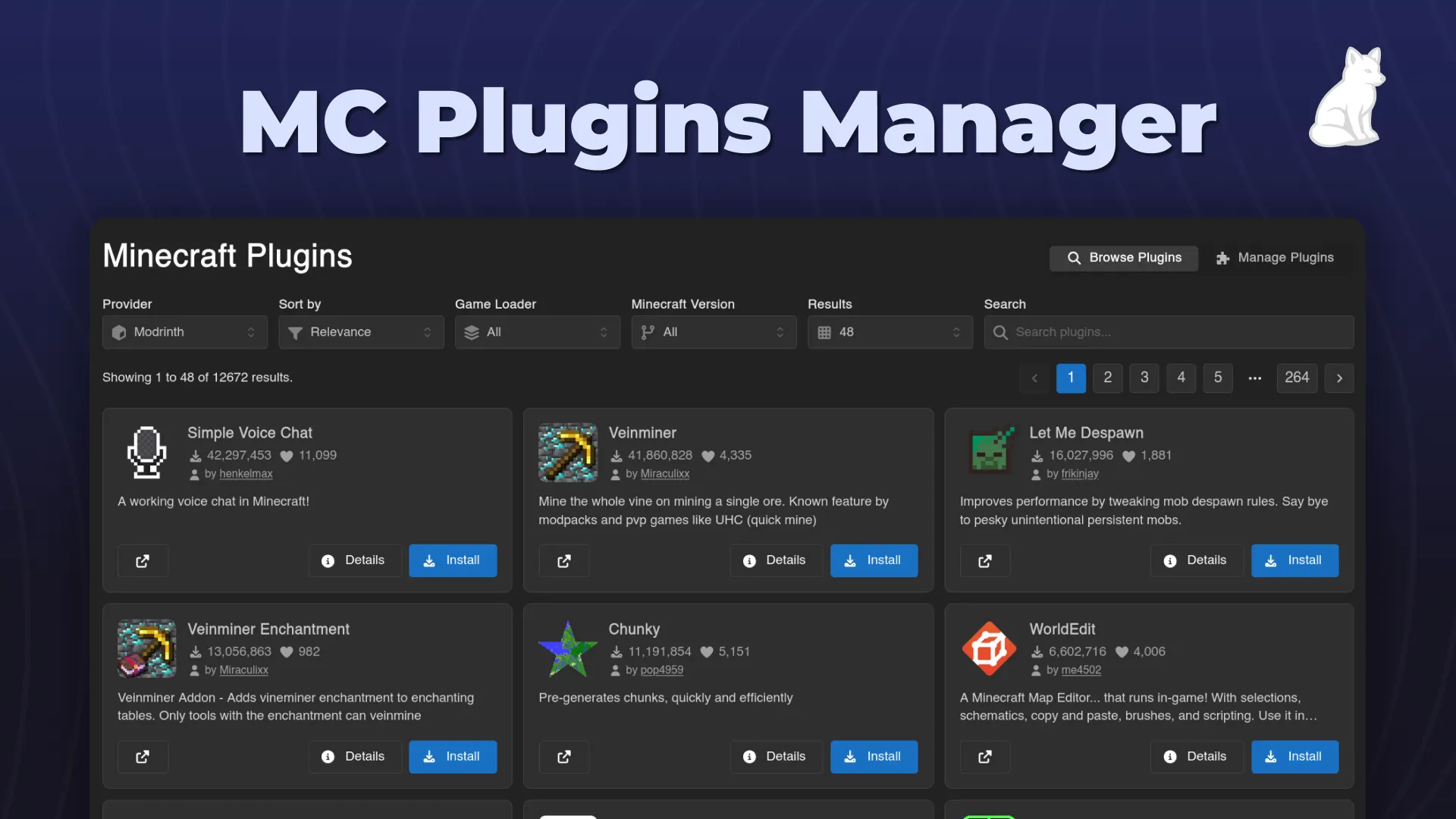
An easy-to-use minecraft plugin installer and manager for Calagopus.
BBBSX
Rated 5.0 out of 5 from 5 reviews
Plays Music based on the Page the Person is on, can be configured in extension admin settings.
Background music and interface sounds for the Calagopus panel.
Give your panel a soundtrack: a theme for the login screen, another for the server list, calm ambience while someone works on a server, smooth crossfades between them, and little click sounds for buttons, switches and menus.

/server/*/files*). Pages without their own track play the Default track.dev_xcrafttm_menumusic.c7s.zip from the latest release.Note
Needs Calagopus 1.2.3 or newer running the :heavy Docker image, which is the one that supports extensions.

 A Menu Music card on the Account page: music and sounds on/off, and a volume slider. |
 A small Menu music switch below the login form for visitors who aren't logged in. |
This part is for developers and curious admins. It explains how the extension works, not every setting.
The extension has a small Rust backend and a React frontend, like every Calagopus extension.
src/). The settings live in the panel's own extension settings store: simple values as one row
each, tracks and sounds as JSON. Everything is validated on save and cleaned up again when loaded, so a
hand-edited database or an older format can't break the frontend. There are two routes:
GET /api/extensions/dev.xcrafttm.menumusic/config is public. The login page needs it before anyone is
logged in, and it only contains audio URLs and playback settings.GET and PUT /api/admin/extensions/dev.xcrafttm.menumusic/settings need the extensions.read and
extensions.manage admin permissions. Saving writes an entry to the admin activity log.frontend/src/). It plugs into the panel through extension slots:
For the current URL, the extension checks in order:
* matches anything, and a pattern ending in /* also matches the path itself, so /admin/* matches /admin.
The music runs on two <audio> elements, called decks, that take turns:
Panel buttons have no IDs, so the extension recognizes elements by what the panel calls them internally:
common.button.save.
When something is clicked, the extension converts the visible text back into keys using the panel's
translation table for the visitor's language, and compares those keys with the sound's targets. That's why one
target works in every language. Labels with placeholders, like "Delete {name}", still match.trash. The list
of icons for the search box ships as a static file (frontend/public/dev.xcrafttm.menumusic/icons.json) that
only the settings page downloads. Importing the icon packages directly would have added every icon to the
panel's shared JavaScript bundle that all visitors load.data-expanded attribute of the panel's select inputs reports select menus opening and closing. Each button
is identified when it's pressed, not only when the click lands, because some buttons change on press (the
password field's eye icon becomes eye-slash).The music switch, the sounds switch and the volume are stored as panel user settings under
dev.xcrafttm.menumusic::muted, ::sounds_muted and ::volume, so they follow the user across devices. A
copy is kept in the browser's local storage so the choice also applies on the login page, where no user is
logged in yet.
| What | How |
|---|---|
Build the .c7s.zip |
python3 scripts/package.py (Python 3.11+) writes dist/dev_xcrafttm_menumusic.c7s.zip |
| CI | Every push builds the zip and attaches it to the workflow run under Artifacts |
| Release | Bump version in Cargo.toml and add a section to CHANGELOG.md. Then either run the workflow by hand on main with release ticked (it creates the v<version> tag itself), or push a matching v<version> tag. The zip is attached to the release and the changelog section becomes the release notes |
| Refresh the icon list | node scripts/generate-icons.mjs <panel>/frontend after the panel updates its icon packages |
| Develop and test | Install the zip into a development environment with panel-rs extensions add, then use the panel's pre-export checks: cargo clippy, cargo test -p dev_xcrafttm_menumusic, pnpm biome:validate and pnpm build:ci |
src/                        Rust backend: settings model + validation, public and admin routes
frontend/src/
  elements/                 global music and sound components, account card, login switch
  pages/                    the settings page (tabs, track and sound editors, target search)
  lib/                      audio engine, interaction detection, URL matching, translation lookup
frontend/public/            static files served by the panel (the icon list)
scripts/                    packaging and icon list generation
An easy-to-use minecraft plugin installer and manager for Calagopus.
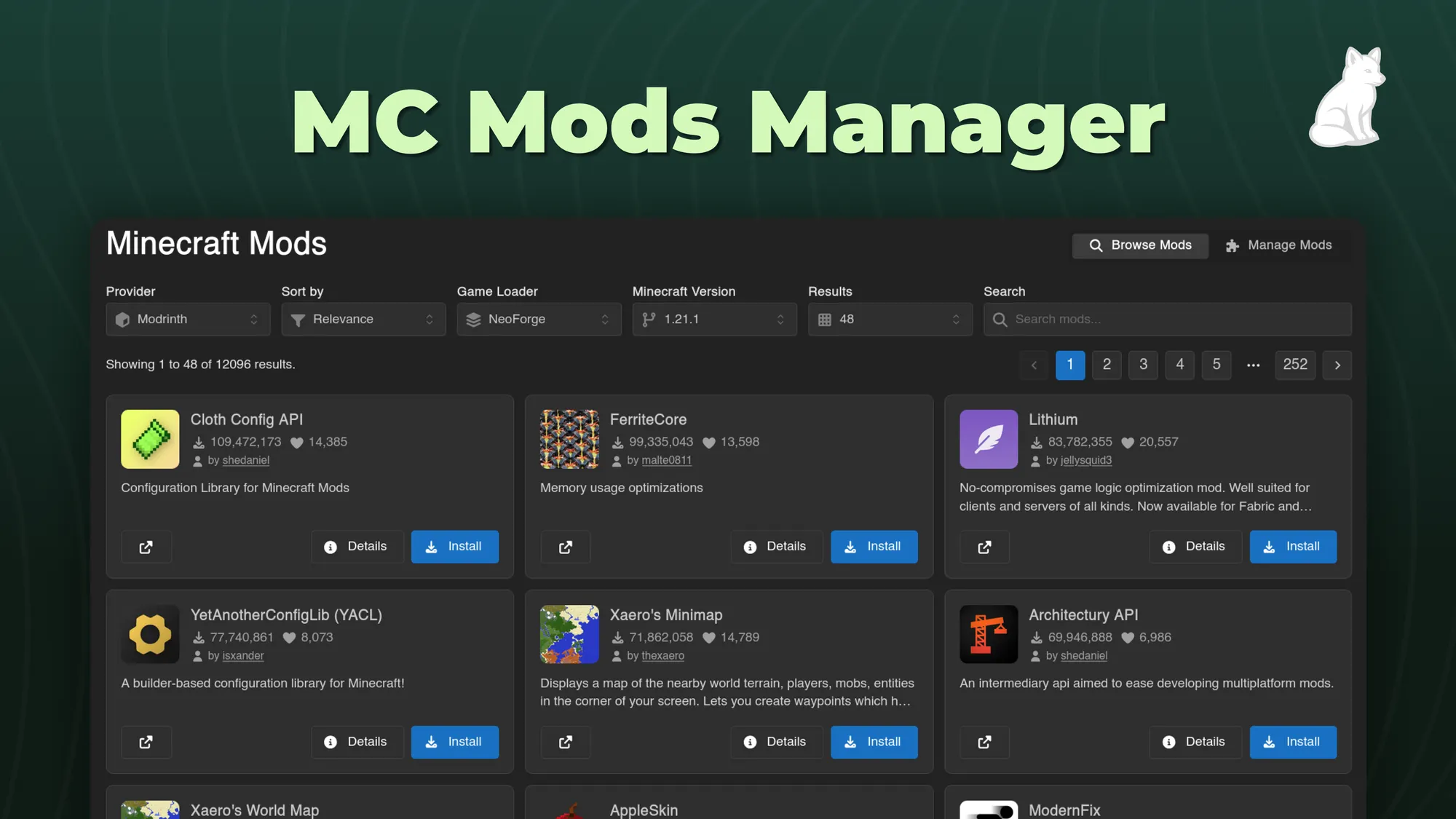
An easy-to-use minecraft mod installer and manager for Calagopus.
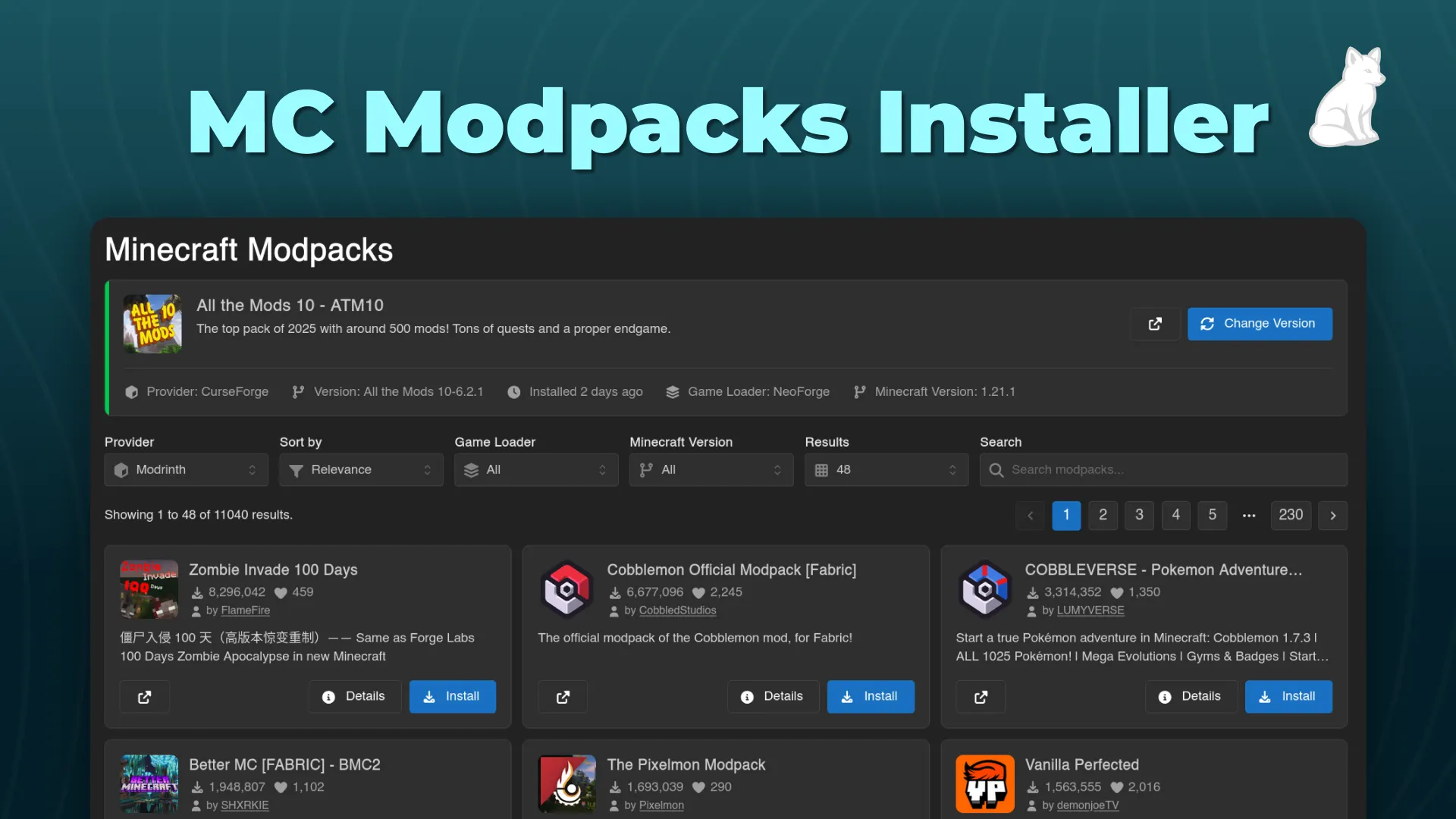
An easy-to-use minecraft modpack installer for Calagopus.
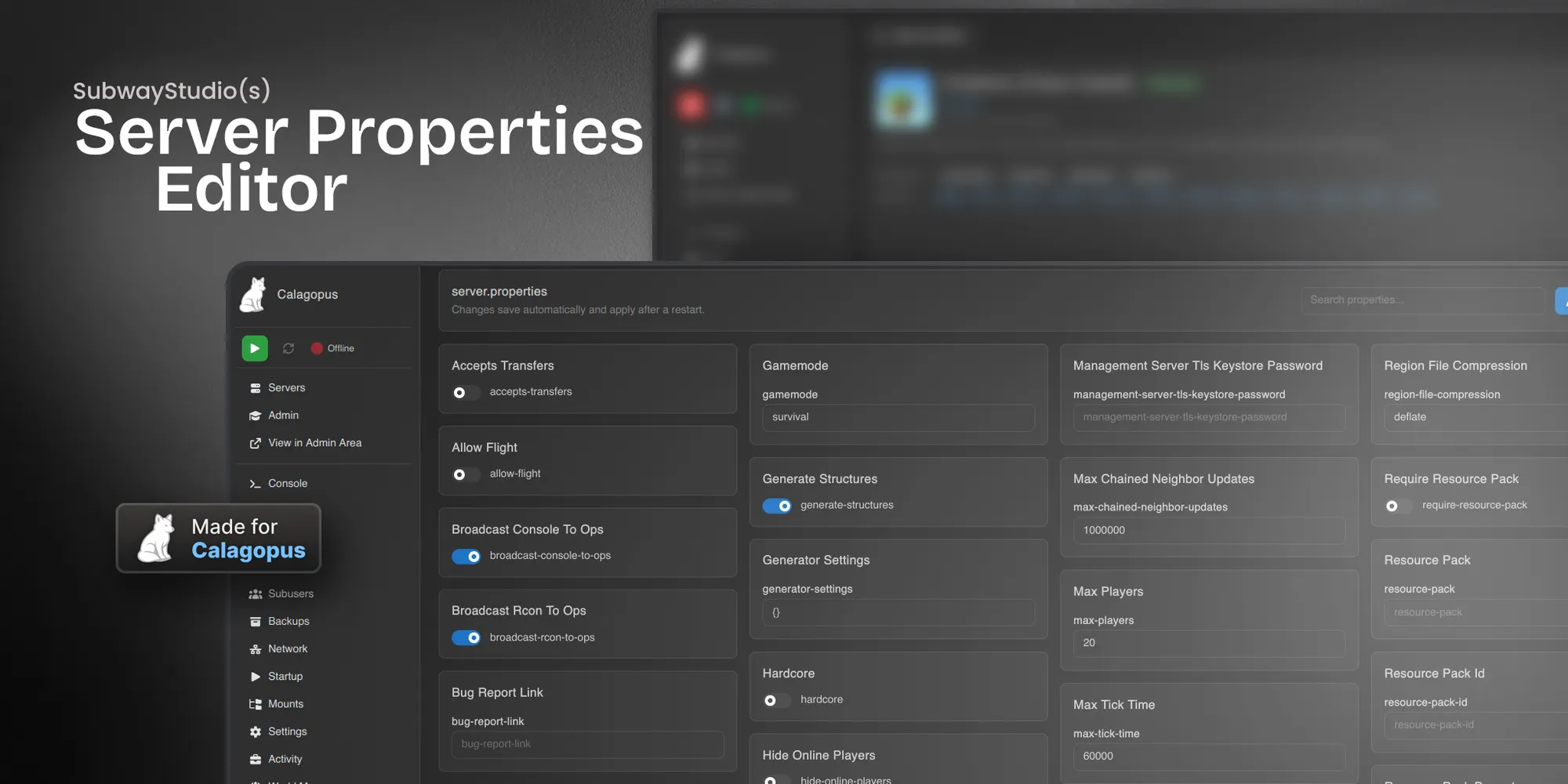
Let the user easily change server properties from the UI