
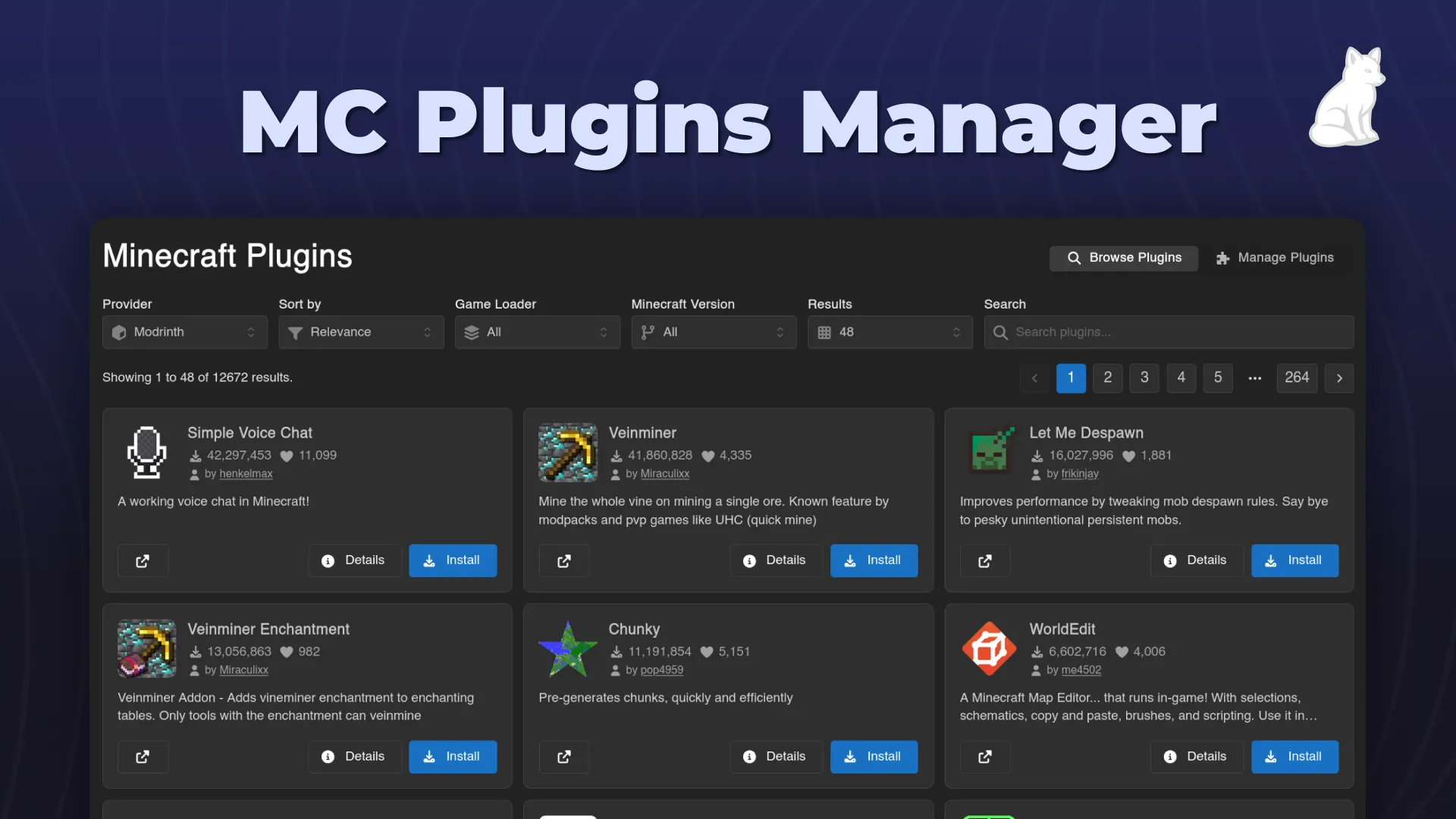
An easy-to-use minecraft plugin installer and manager for Calagopus.
BBBSX
Rated 5.0 out of 5 from 3 reviews
Let the user easily change server properties from the UI
A simple GUI editor for a Minecraft server's server.properties. Toggles for true/false, text fields for everything else, and it auto-saves as you change things.
GitHub: https://github.com/wrrfsub/Server-Properties-Editor-For-Calagopus
Download: click here to download

com_subwaystudios_serverproperties.c7s.zip in Admin → Extensions and hit Rebuild Extensions.A Server Properties page then appears in each server's sidebar.
Tip
Use Manual Edit (top right) to open the raw server.properties in the file editor for anything the GUI doesn't cover.
Important
Changes only take effect after a server restart.


An easy-to-use minecraft plugin installer and manager for Calagopus.
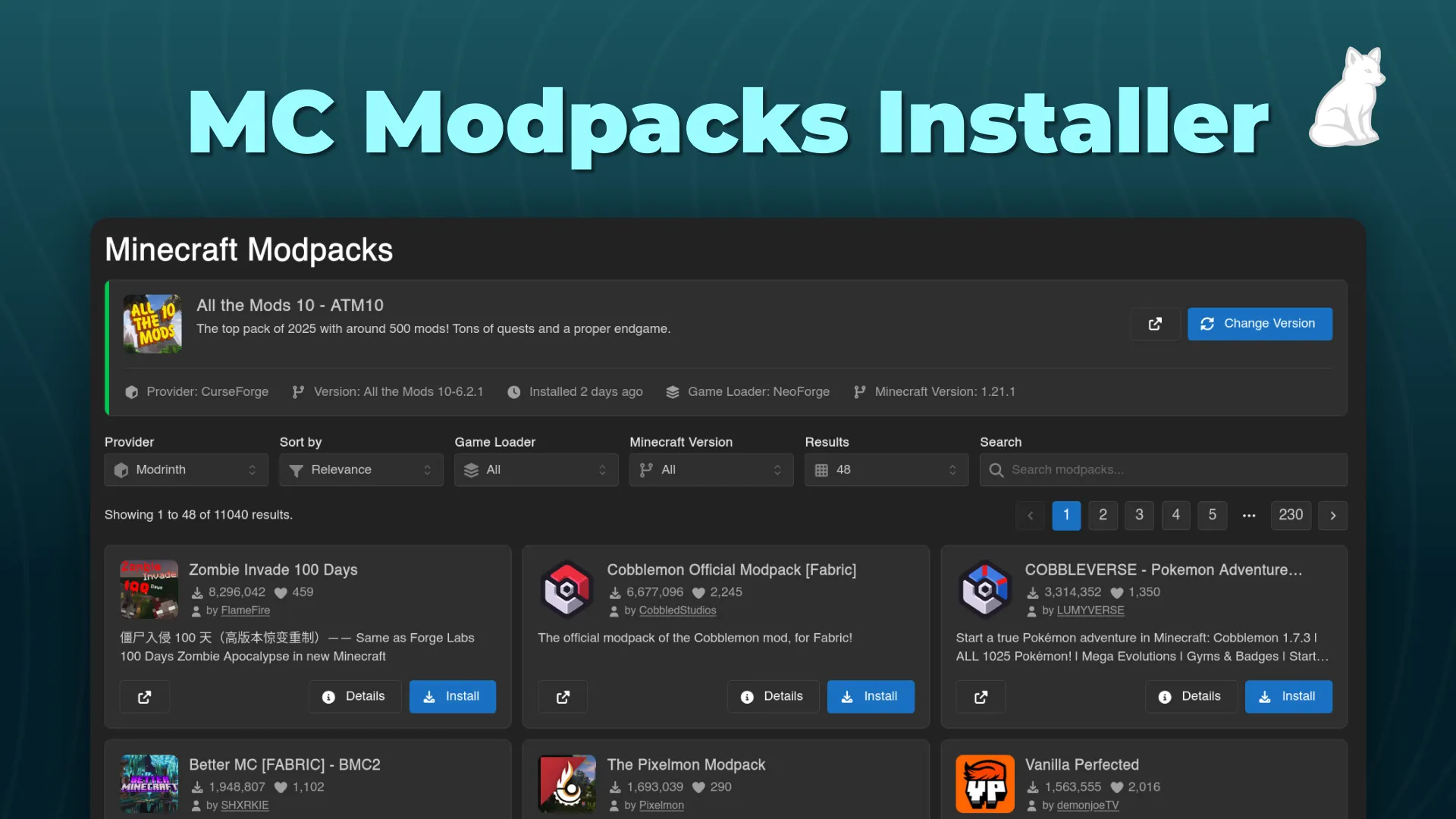
An easy-to-use minecraft modpack installer for Calagopus.
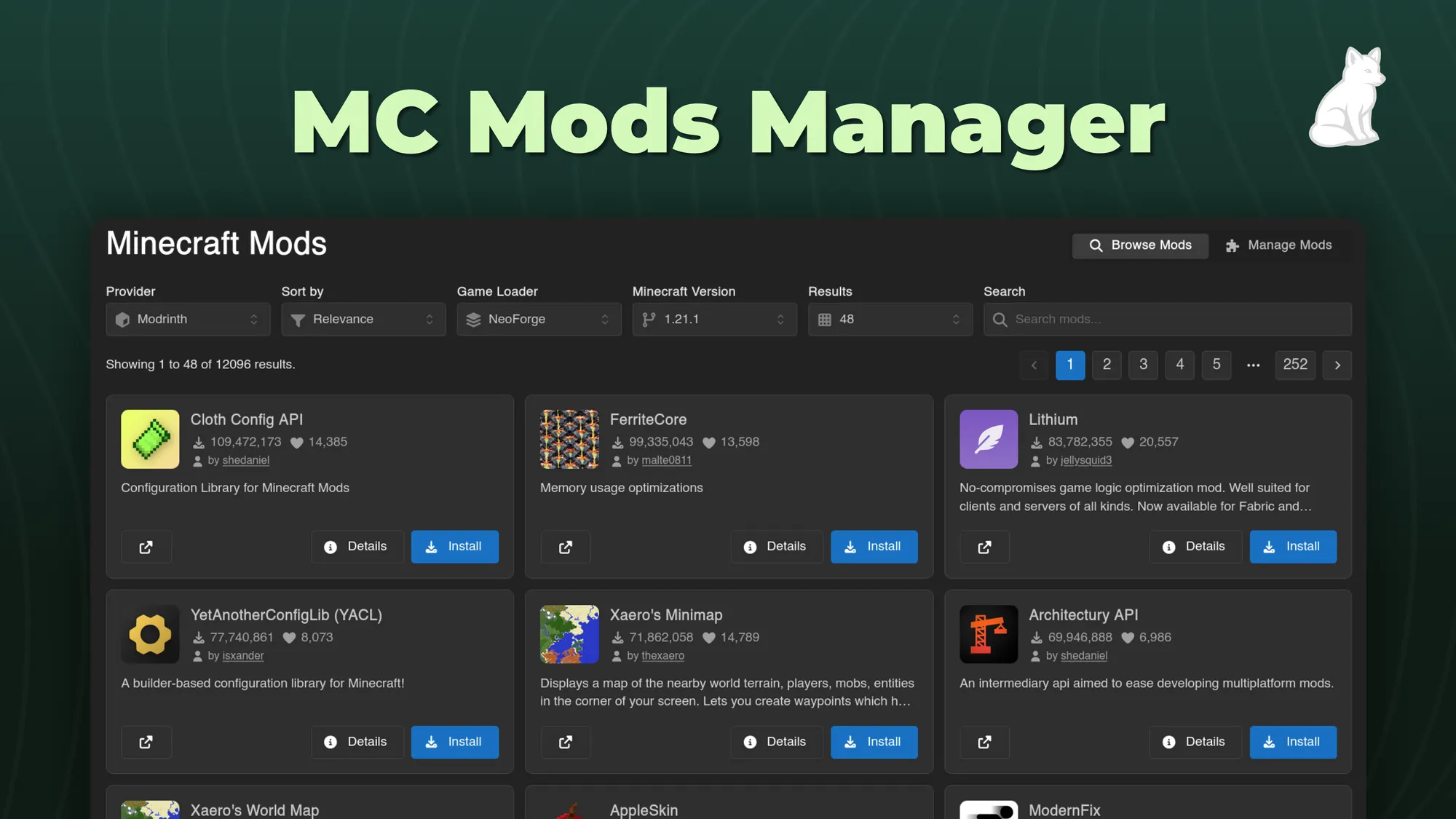
An easy-to-use minecraft mod installer and manager for Calagopus.
Version Changer allows you to adjust your minecraft servers version instantly. Now for Calagopus!