ExtensionsFree
Template Installer
Calagopus panel extension: admin-defined server templates with templated steps, variables, and live install progress
by Caloptreyx Updated Nov 24, 2026
Get it · Free1 / 4
Description
Template Installer
A Calagopus Panel extension that lets users install templates made by the admin team: Minecraft setups, plugin bundles, configs pulled from GitHub, and more. A template is an ordered list of installation steps. Before it runs, the user fills in the template's variables, and the values are written into the server's configs.
Package name: dev.caloptreyx.templates · Requires panel >=1.2.10
Features
- Step system: 11 actions that run in order against the server through Wings. Every step can have a label and a condition, and the install stops at the first step that fails.
- Templating in every field: paths, URLs, contents, search/replace and conditions are all
minijinja (Jinja2) templates with expressions, filters,
if/forand functions, all sandboxed. - User variables with the panel's Laravel-style validation rules (
required,in:a,b,integer,between:1,100,regex:/…/, …), the same rules egg variables use. The install form picks a select, switch, number or text input from the rules. - Built-in variables about the server, its allocations, egg, nest, node and egg variables, the user who runs the install, and the panel.
- Egg filter: each template is offered only on the eggs you pick, or on all eggs.
- Import/export of templates as JSON so they can be shared.
- Live progress: users watch each step finish. The last 20 installs are listed per server and each install is written to the server's activity log.
Screenshots
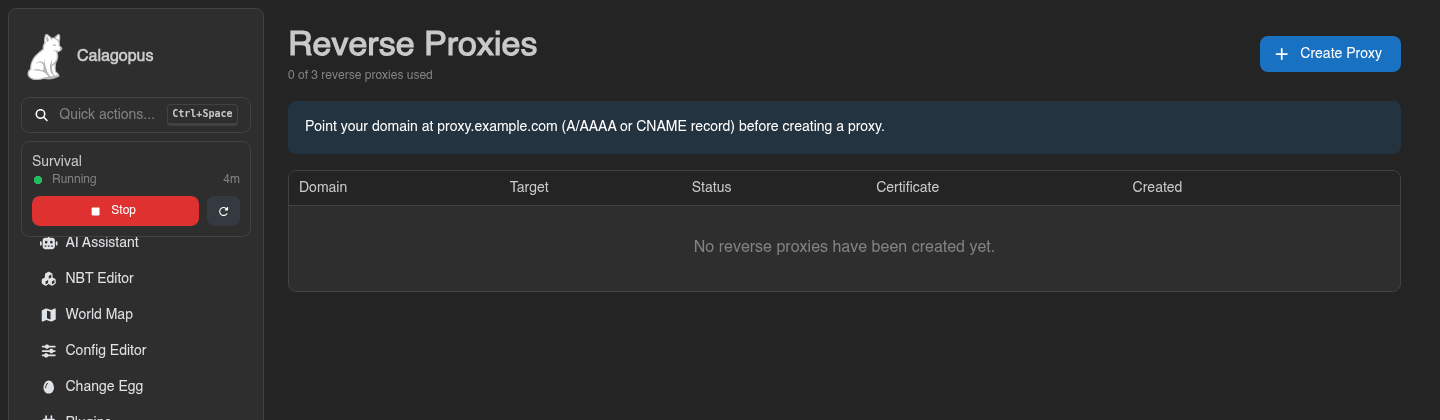
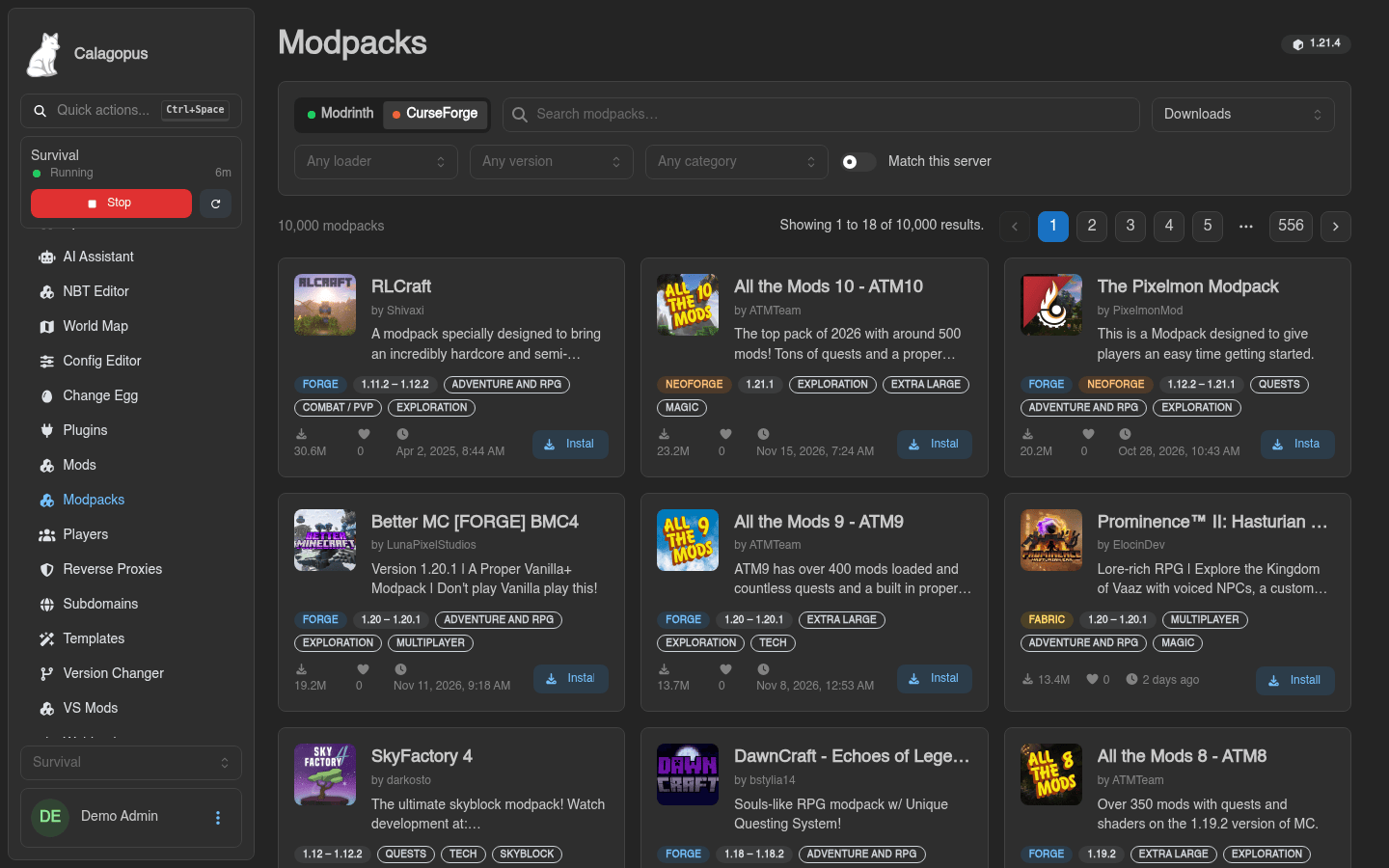
Templates page: the templates offered for this server's egg and the recent installs.

Install form: the template's variables, with inputs picked from their validation rules.

Live progress: every step with its result.

Admin template editor: steps with templated paths and content.

Steps
| Step | Fields | Behaviour |
|---|---|---|
| Write to File | path, content |
Creates or overwrites the file, including missing parent folders. |
| Replace in File | path, search, replace, regex |
Replaces every match. In regex mode (Rust syntax), ^/$ match line starts and ends and $1 inserts a capture. Zero matches still succeeds. |
| Append to File | path, content |
A missing file counts as empty. |
| Prepend File | path, content |
A missing file counts as empty. |
| Create Folder | path |
Creates parent folders too. An existing folder is fine. |
| Pull File | url, directory, file_name |
Wings downloads the file and follows up to 10 redirects. Without file_name the name comes from Content-Disposition or the URL. |
| Unzip File | path, destination, delete_archive |
Handles zip, tar(.gz/.xz/.bz2/.zst/…), rar and 7z. An empty destination extracts next to the archive. |
| Move File/Folder | from, to |
Creates the parent folders of to. Fails if from is missing or to already exists (add a Delete step first to replace). |
| Move Files from Folder | from, to |
Moves every entry of from into to. Fails if an entry already exists in to. |
| Delete File/Folder | path |
A missing path is fine. |
| Power Action | action (start/stop/restart/kill), wait |
With wait the install blocks until the server is offline (stop/kill) or running (start/restart), for at most 120 s. |
A step with a condition runs only if the rendered condition is not "", 0, false, no or
off (case-insensitive), e.g. {{ INSTALL_GEYSER }} or {% if MODE == "creative" %}1{% endif %}.
Paths are relative to the server root and may not leave it. Files the user can't access (subuser
ignored files) are refused. Running a template also needs the core permission of every step it
contains, as the panel's own file and power routes require: files.create for writing, editing,
pulling and creating folders, files.archive for unzipping (plus files.delete with delete
archive), files.update and files.create for moves, files.delete for deletes, and the
matching control.* for power steps. Each pull counts against the panel's file pull rate limit.
Template variables
| Variable | Contents |
|---|---|
{{ KEY }}, {{ vars.KEY }} |
The value the user entered for a template variable (always a string, switches give 1/0) |
server.uuid, server.uuid_short, server.name, server.description, server.timezone |
Server identity |
server.memory, server.swap, server.disk, server.cpu, server.image, server.startup |
Limits (MiB / %) and runtime |
server.ip, server.ip_alias, server.port |
Primary allocation |
server.allocations |
List of { ip, ip_alias, port, primary } |
server.egg, server.nest, server.node |
{ uuid, name } |
server.env.VAR |
The server's egg variables that users can view |
user.uuid, user.username, user.email |
The user running the install |
panel.name, panel.url |
Panel settings |
random_string(16), uuid(), now("%Y-%m-%d") |
Functions (UTC time) |
Undefined variables are errors, so a typo stops the install before anything changes. All templates
are rendered and checked (paths, URLs, regexes, ignored files) before the first step runs. Booleans
render Python-style (True/False), and conditions accept either spelling.
Example server.properties step:
motd={{ MOTD }}
server-port={{ server.port }}
max-players={{ SLOTS }}
gamemode={{ MODE }}
{% if WHITELIST == "1" %}white-list=true{% endif %}
rcon.password={{ random_string(24) }}
Permissions
- Server:
templates.read(see templates and install history),templates.install(run installs, together with the core permissions of the template's steps, see above). - Admin:
templates.read,templates.manage.
Installation
Download dev_caloptreyx_templates.c7s.zip and either upload it under Admin → Extensions or put
it in your heavy image's build/extensions/ directory and run docker compose restart web.
Extensions need the :heavy panel image or a development environment.
Admins manage templates on the extension's card under Admin → Extensions. Users find them under Templates in the server sidebar.
Import / export format
Ready-to-import templates live in examples/:
| File | Template | Highlights |
|---|---|---|
examples/simple-voice-chat.template.json |
Simple Voice Chat | Downloads Simple Voice Chat 2.6.24 and writes its port and group config. |
examples/geyser-floodgate.template.json |
GeyserMC & Floodgate | Latest GeyserMC + conditional Floodgate for Bedrock crossplay on Paper/Spigot. |
examples/luckperms.template.json |
LuckPerms | LuckPerms 5.5.71 Bukkit plugin with storage backend and starter config. |
examples/viaversion-suite.template.json |
ViaVersion Suite | ViaVersion 5.12.2 with conditional ViaBackwards and ViaRewind toggles. |
examples/spark-profiler.template.json |
spark Profiler | spark 1.10.196 performance profiler with background profiling and tick monitor settings. |
examples/bluemap.template.json |
BlueMap 3D Web Map | BlueMap 5.29 (Paper) with accept-download: true and web server port config. |
examples/discordsrv.template.json |
DiscordSRV | DiscordSRV 1.30.5 with bot token and chat/console channel configuration. |
examples/minecraft-server-properties.template.json |
Minecraft Server Properties | Configures server.properties, optional EULA acceptance, and optional RCON with random_string(24). |
{
  "format": "calagopus-template-installer",
  "version": 1,
  "exported_at": "2026-09-28T18:00:00Z",
  "template": { "name": "…", "description": "…", "variables": [], "steps": [] }
}
Imported templates start disabled with no egg filter, so you can review them before users see them.
License
MIT
You might also like
All extensions- ExtensionsFree
- ExtensionsFreeSupport Center
Calagopus support ticket extension for client-to-staff support workflows.
GitHubNo ratings yet - ExtensionsFree
- ExtensionsFree