
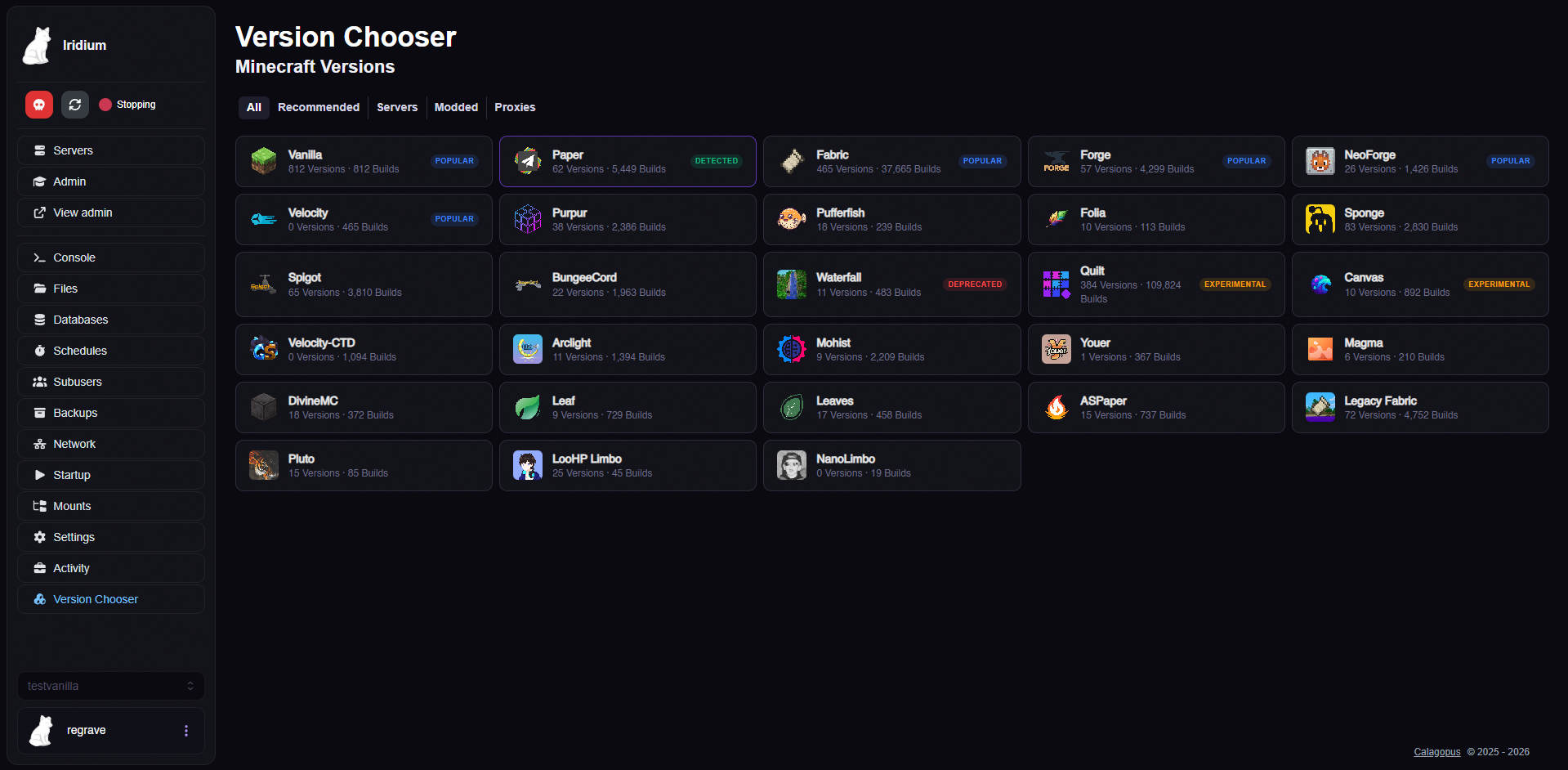
Calagopus Panel extension for switching Minecraft server versions with admin dashboard and install tracking
GitHub
No ratings yet
Calagopus Panel extension for installing Minecraft plugins, mods, and datapacks from Modrinth
A Calagopus Panel extension for browsing, installing, and managing Minecraft plugins, mods, datapacks, and modpacks directly from the panel.
Powered by Modrinth and CurseForge.
.mrpack install support with automatic loader installation (Fabric, Forge, NeoForge, Quilt)manifest.json parsing and per-file API resolutionINSTALLING state, the browser opens the Console for live file-by-file logs, and progress/cancellation survive refresheslevel-name from server.properties to find the correct world directoryAutomatically detects your server type and Minecraft version using a deterministic decision tree:
Server type (checked in order, most specific first):
.mcvc-type.json marker (from MC Version Chooser extension)purpur.yml > Purpurpufferfish.yml > Pufferfishleaves.yml > Leavesconfig/folia-global.yml > Foliaconfig/paper-global.yml > Paperspigot.yml > Spigotbukkit.yml > CraftBukkit.fabric/ or fabric-server-launch.jar > Fabric.quilt/ or quilt-server-launcher.jar > Quiltlibraries/net/neoforged/ > NeoForgelibraries/net/minecraftforge/ > Forgeserver.properties (nothing else matched) > VanillaMinecraft version (checked in order):
.mcvc-type.json marker versionversion.json in server root (vanilla + Bukkit-chain)logs/latest.log - greps for "Starting minecraft server version"Content tabs shown based on detection:
├── Metadata.toml              # Extension metadata
├── backend/
│   └── src/
│       ├── lib.rs             # Route registration, install/remove/modpack handlers
│       ├── curseforge.rs      # CurseForge API proxy endpoints
│       ├── install_script.rs  # Wings install scripts (python installers, embedded)
│       ├── settings.rs        # Extension settings (CurseForge API key)
├── frontend/
│   └── src/
│       ├── index.ts           # Extension entry point + route registration
│       ├── detect.ts          # Server type + MC version detection
│       ├── modrinth.ts        # Modrinth API client
│       ├── curseforge.ts      # CurseForge API client (calls backend proxy)
│       ├── AdminConfigPage.tsx # Admin settings page for CurseForge API key
│       ├── ContentInstallerPage.tsx  # Main page with tab routing
│       ├── BrowseTab.tsx      # Search + install from Modrinth/CurseForge
│       ├── ModpacksTab.tsx    # Modpack browser + installer
│       ├── ManageTab.tsx      # View + remove + update installed content
│       └── app.css            # Styling
Server routes (/api/client/servers/{uuid}/content-installer/):
POST .../install - Download a file to plugins/, mods/, or datapacks/GET .../install/status - Check download progressPOST .../remove - Remove a filePOST .../modpack/install - Install a Modrinth modpack (.mrpack)POST .../modpack/cf-install - Install a CurseForge modpackGET .../curseforge/search - Proxy CurseForge searchGET .../curseforge/files - Proxy CurseForge file listingGET .../curseforge/description - Proxy CurseForge mod descriptionGET .../curseforge/status - Check if CurseForge is configuredAdmin routes (/api/admin/content-installer/):
GET .../settings - Get extension settings (masked API key)PUT .../settings - Update extension settingsContent installation routes require the corresponding files.create or files.delete permission. Modpack installs additionally require settings.install, and cancellation uses Calagopus's native settings.cancel-install permission. Download URLs are validated against exact HTTPS CDN hosts (Modrinth CDN, CurseForge CDN).
.c7s.zip from ReleasesMIT
Calagopus Panel extension for switching Minecraft server versions with admin dashboard and install tracking
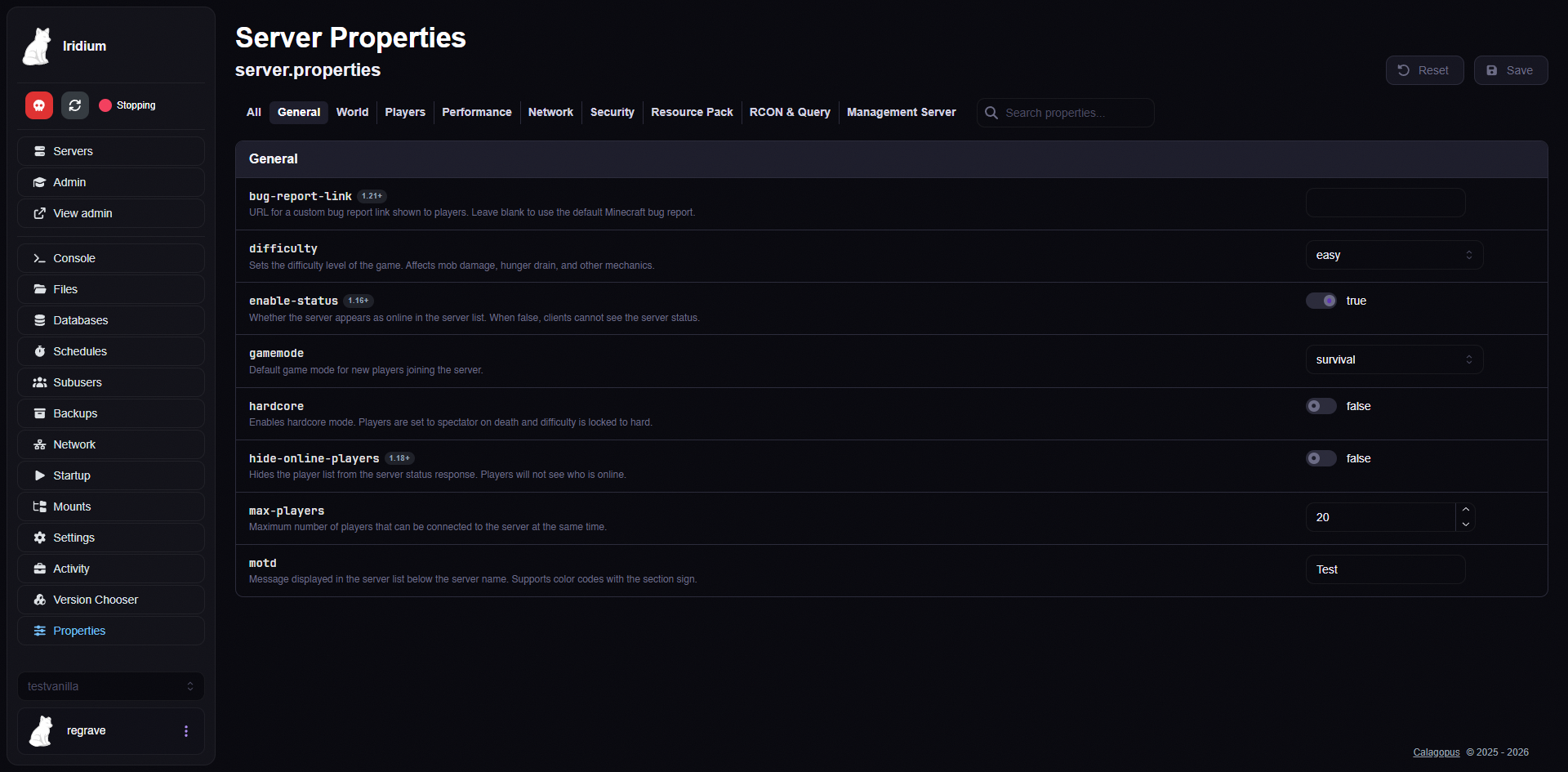
Calagopus Panel extension for visually editing Minecraft server.properties
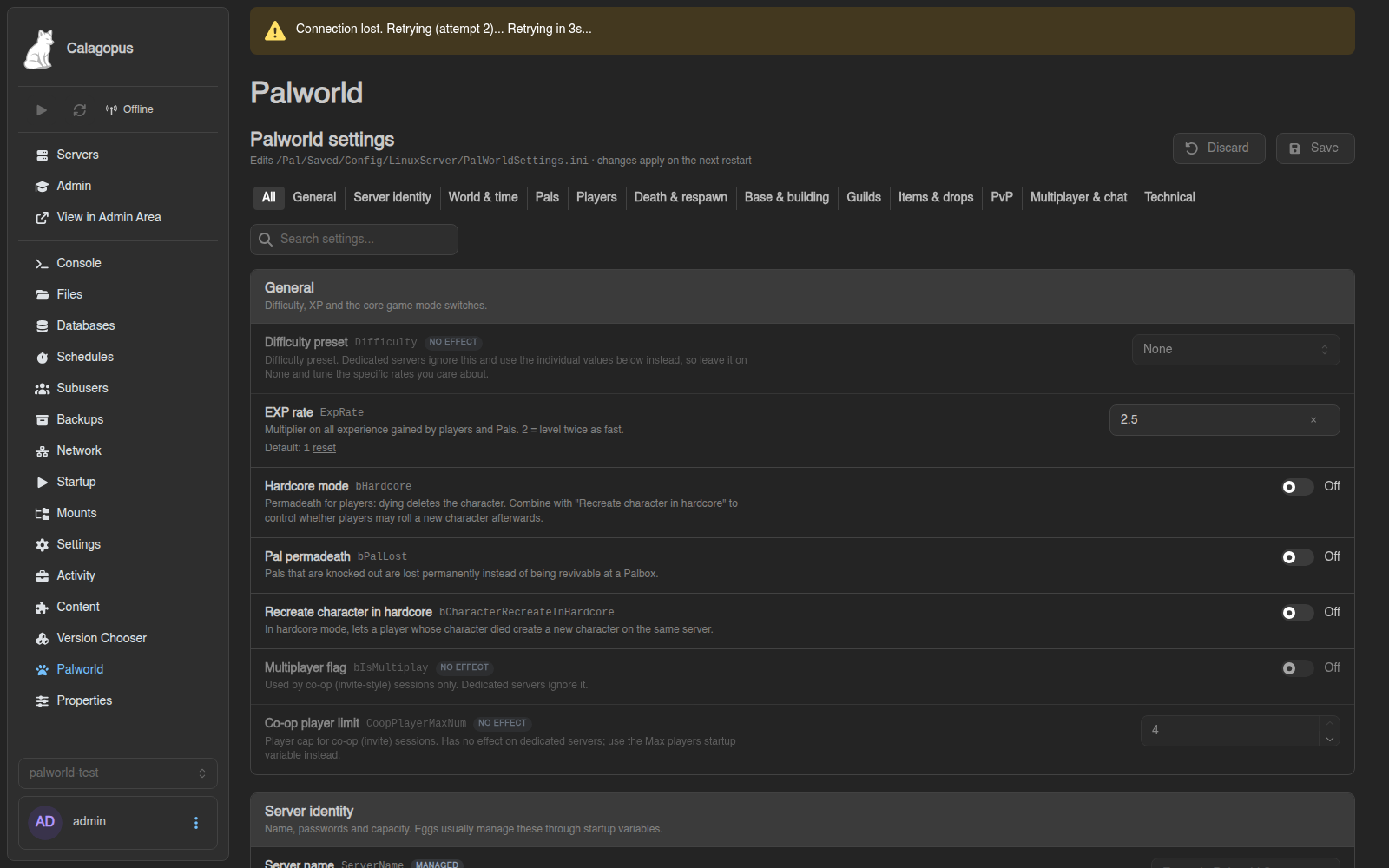
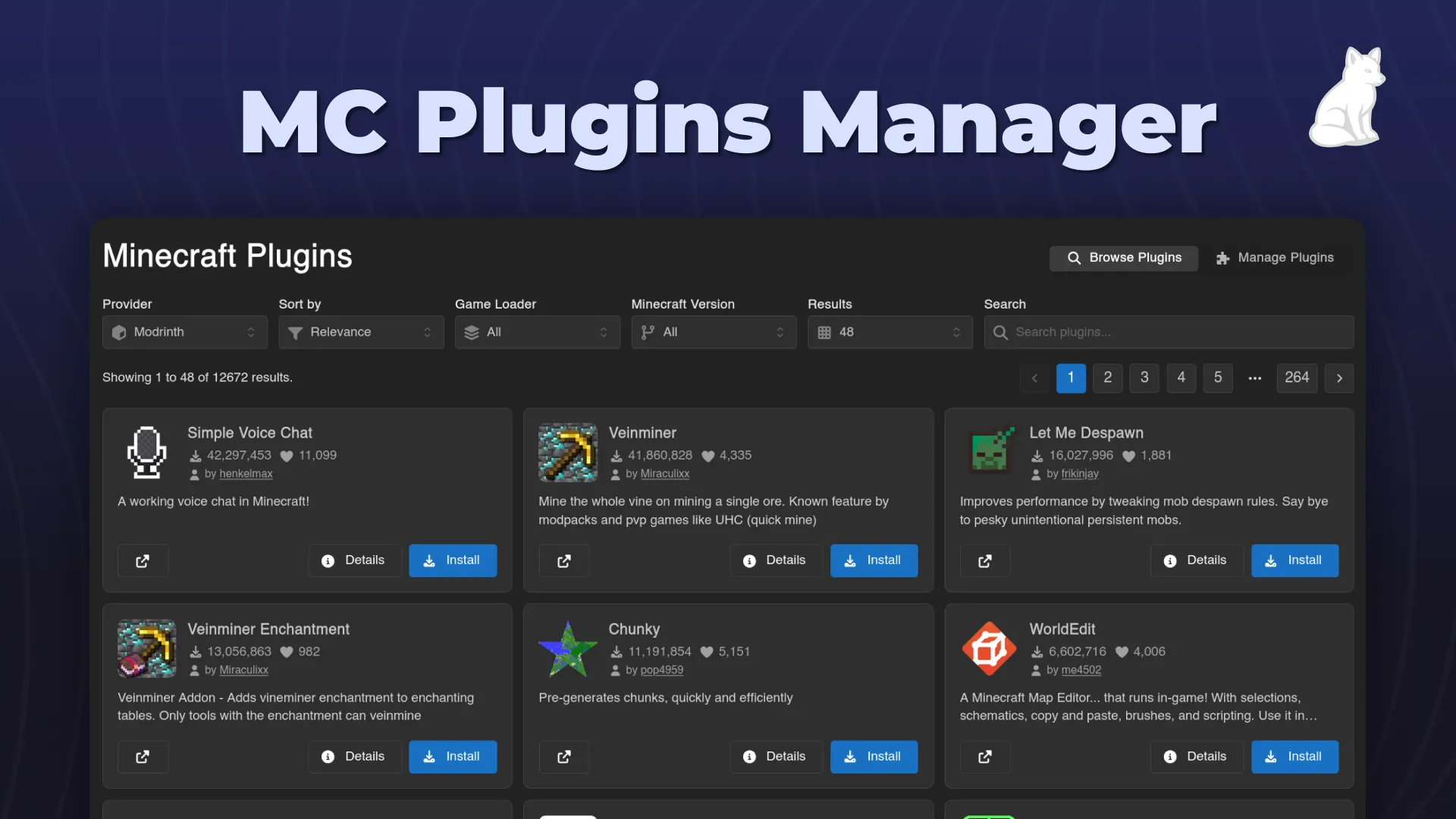
An easy-to-use minecraft plugin installer and manager for Calagopus.