
Content Installer
Calagopus Panel extension for installing Minecraft plugins, mods, and datapacks from Modrinth
GitHub
No ratings yet
Calagopus Panel extension for switching Minecraft server versions with admin dashboard and install tracking
A Calagopus Panel extension that lets users switch Minecraft server versions directly from the panel UI.
Browse all available server types with category filters. Auto-detects your current server type.

Pick a Minecraft version with Java requirement indicators and a snapshot toggle.

Select a specific build, toggle clean install, and accept the EULA before installing.

Configure the MCJars API URL and default category filter from the admin panel.

.mcvc-type.json marker file on install — used by other extensions (like the Content Installer) to reliably detect the current server type without guessing from egg names or leftover files├── Metadata.toml # Extension metadata
├── backend/
│ └── src/lib.rs # Rust backend - Wings API proxy + admin endpoints
├── frontend/
│ └── src/
│ ├── index.ts # Extension entry point + route registration
│ ├── api.ts # MCJars API client + type detection
│ ├── VersionChooserPage.tsx # Main 3-step version chooser UI
│ ├── AdminConfigPage.tsx # Admin config + stats dashboard
│ └── app.css # Styling
└── migrations/
└── 20260401000000_create_mcvc_installs/ # Install tracking table
POST /api/client/servers/{uuid}/mc-version-chooser/install - Install a server versionGET /api/client/servers/{uuid}/mc-version-chooser/install/status - Check download progressGET /api/admin/mc-version-chooser/stats - Installation statisticsGET /api/admin/mc-version-chooser/settings - Get extension settingsPOST /api/admin/mc-version-chooser/settings - Update extension settingsGET /api/admin/mc-version-chooser/installs - Recent installation logfiles.create permission.c7s.zip from Releasesmcvc_installs table will be created automatically on startupMIT
Calagopus Panel extension for installing Minecraft plugins, mods, and datapacks from Modrinth
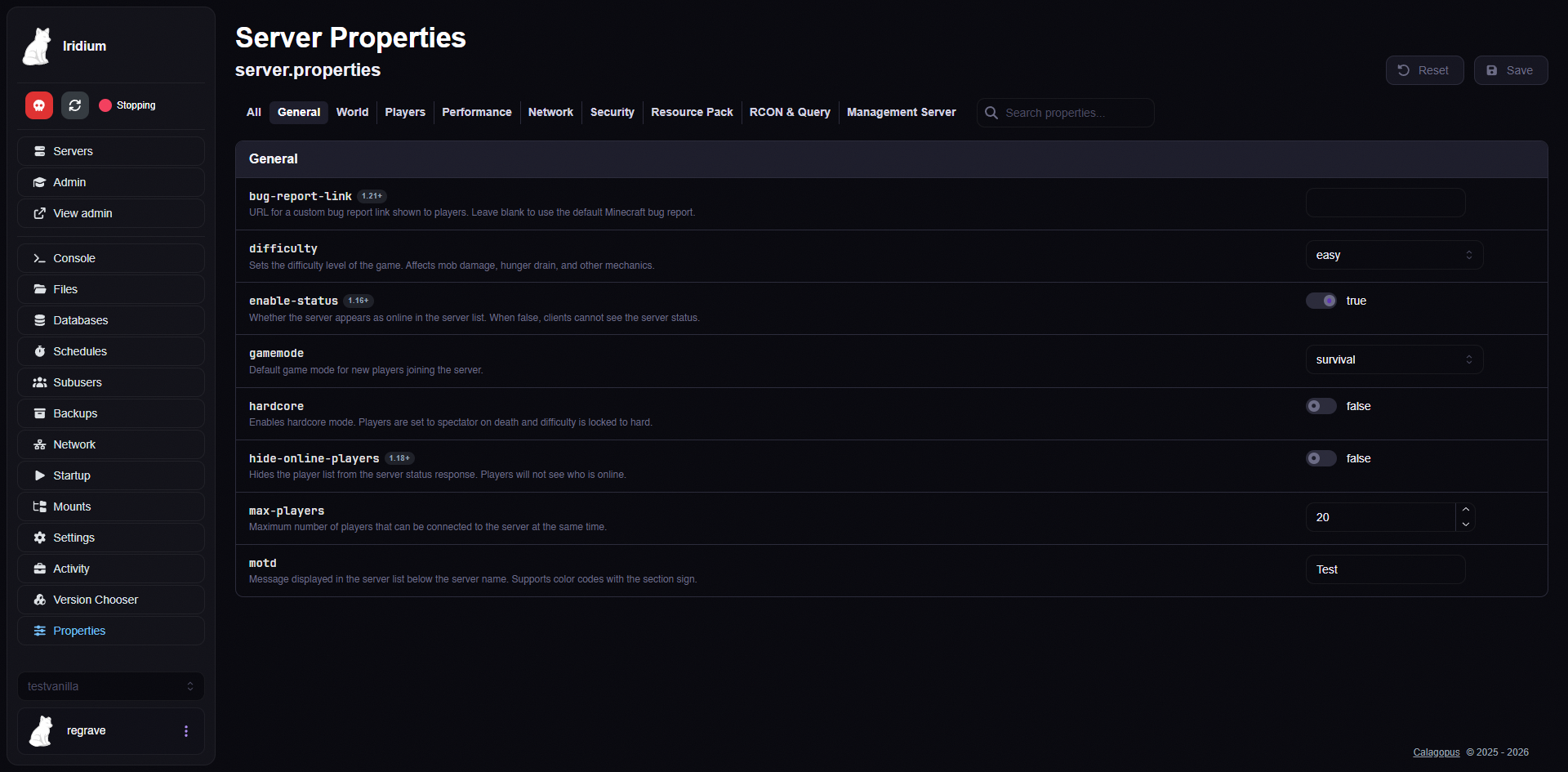
Calagopus Panel extension for visually editing Minecraft server.properties
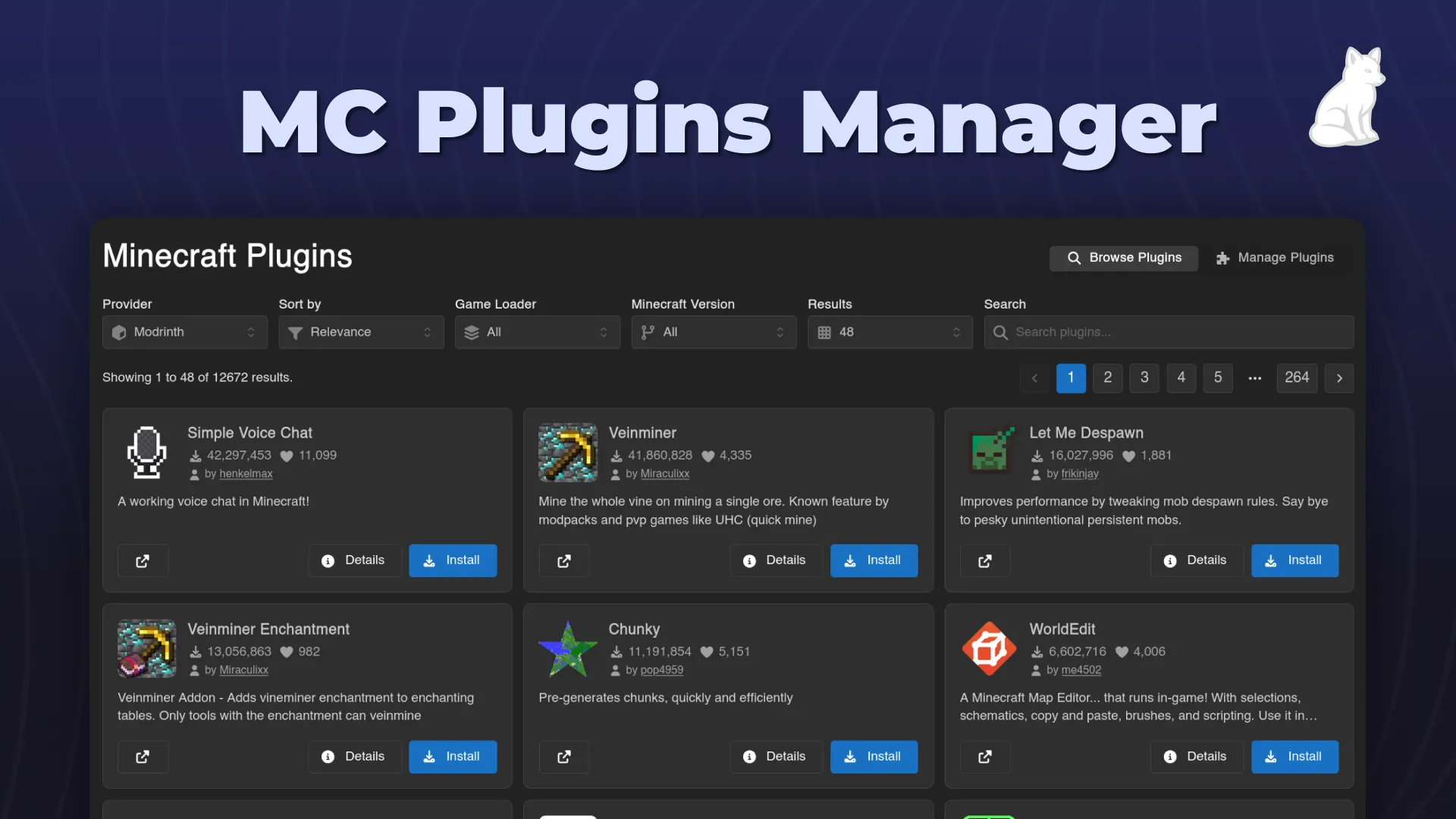
An easy-to-use minecraft plugin installer and manager for Calagopus.